

Close Menu
Nanocodes Programming Blog
    Facebook X (Twitter) Instagram LinkedIn WhatsApp TikTok
    Facebook X (Twitter) Instagram LinkedIn TikTok WhatsApp
    Nanocodes Programming Blog
    • Nanocodes Programming Blog
    • Blog
      • Software Development
      • Mobile App Development
      • Web Development
      • Automation
      • Nanotech
      • Product Design
      • SEO
      • Data Analysis
      • WordPress
      • Digital Marketing
    • Tech News
    • Courses
    • About Us
    • Contact Us
    Subscribe
    Nanocodes Programming Blog
    You are at:Home»Product Design»Introduction to UI/UX Design – All you need to know
    Product Design

    Introduction to UI/UX Design – All you need to know

    Nanocodes EditorBy Nanocodes EditorSeptember 29, 2023Updated:September 29, 2023No Comments2 Mins Read
    Share Facebook Twitter LinkedIn Reddit Email WhatsApp Telegram Copy Link
    structuring-frontend-projects-react-best-practices
    Share
    Facebook Twitter LinkedIn Reddit Email WhatsApp Telegram Copy Link

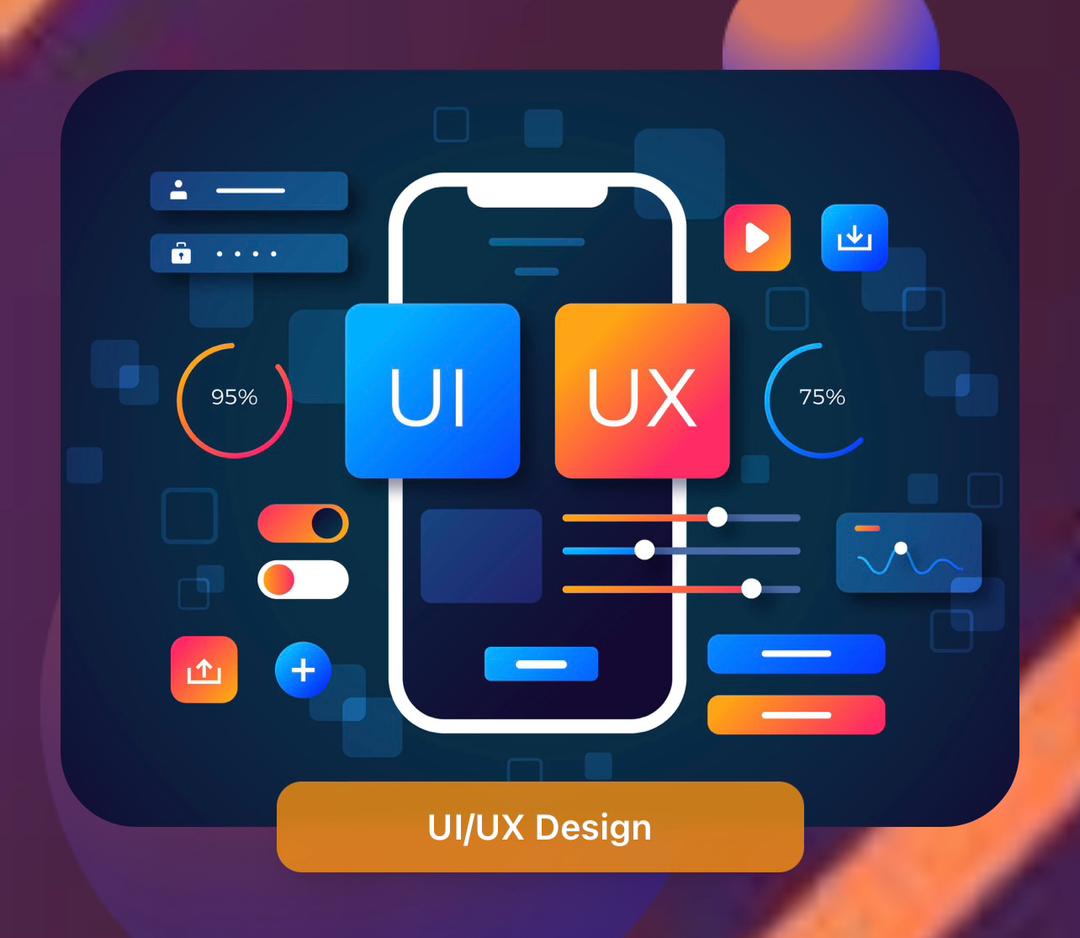
    In today’s episode, we’ll be discussing UI/ UX Design. What is UI/UX Design? What is UI/UX Design all about?

    UI (User Interface) is all about how things look and feel on a website or app. It’s like the visual design and layout that users interact with. On the other hand, UX (User Experience) focuses on how users feel when they navigate through a website or app. It’s all about creating a seamless and enjoyable experience for them.

    To bring these designs to life, designers use amazing tools like Figma and Adobe. Figma is a collaborative design tool that allows multiple designers to work on a project simultaneously. It’s super handy for creating wireframes, prototypes, and even animations. Adobe, on the other hand, offers a suite of powerful design software like Photoshop, Illustrator, and XD, which help designers create stunning visuals and interactive experiences.
    There are various career paths you can explore after learning UI/UX Design which are; UI Designer, UX Designer, UX writer, UX Researcher, and others.

    Now, let’s talk about Nanocode programming. They offer a  course on UI/UX design that can take your skills from beginner to expert level. Nanocode Programming covers everything from the fundamentals of design principles to the latest trends and best practices in the industry. You will learn how to create intuitive user interfaces, conduct user research, and even test and iterate your designs to ensure they’re user-friendly.

    Whether you are a beginner or looking to upskill, Nanocode programming has got you covered. So why wait? Join our ongoing classes with good student testimonials to unlock your creative potential and create wonderful user experiences.
    Send us a DM on IG or Facebook to sign up for our ongoing UI/ UX classes.

    Share. Facebook Twitter LinkedIn Reddit Email WhatsApp Telegram Copy Link
    Previous ArticleNanocode Tech
    Next Article Websites Developments ; A Beginner Guide
    Nanocodes Editor
    • Website

    Related Posts

    Product Design

    Color Psychology in UX Design: How Colors Shape User Experiences

    January 22, 2025
    Product Design

    Figma 101: A Beginner’s Guide to UI Design with Nanocodes Programming

    December 9, 2024
    Add A Comment

    Comments are closed.

    Recent Posts
    • Can AI Agents and Copilots Actually Transform Your Small Business in 2026?
    • The Essential Toolkit: Best AI Tools to Automate Customer Support in 20
    • What Is a Progressive Web App for Beginners?
    • Mastering App Store Optimization (ASO): A Beginner’s Complete Guide
    • Custom App Development: A Complete Beginner’s Guide
    Archives
    Categories
    Facebook X (Twitter) Instagram LinkedIn TikTok WhatsApp
    • About Us
    • Contact Us
    • Privacy Policy
    © 2026 Nanocodes Programming Limited. All rights reserved.

    Type above and press Enter to search. Press Esc to cancel.

    Hey, wait!

    Before you go, let us offer you a 10% discount coupon for your next purchase.

    Enter your email address

    Thanks, I’m not interested